Short answer: October 2026
Walter’s Terms of Service allow a refund only for a first-ever subscription payment, requested within three days of purchase, with no more than 1,500 words used in that period. The request is manual, not automatic. Renewals, reactivations and later subscription purchases are excluded and are described as final. Check your purchase date and word usage before you contact Walter.
| Condition | What Walter’s Terms say | What to check in your account |
|---|---|---|
| Which payment | First-ever subscription payment only; not renewals, reactivations or later purchases | The original purchase confirmation and the account it belongs to |
| Time limit | Request within three days of the initial subscription purchase | The purchase timestamp and the date you send the request |
| Usage limit | No more than 1,500 words used in that three-day period | The word usage shown in your account |
| How | Manual request by email to the address in the Terms; not automatic | The current contact route on the official Terms page |
| Processing | Walter says it aims to process requests within two business days | A stated aim, not a guaranteed bank settlement time |
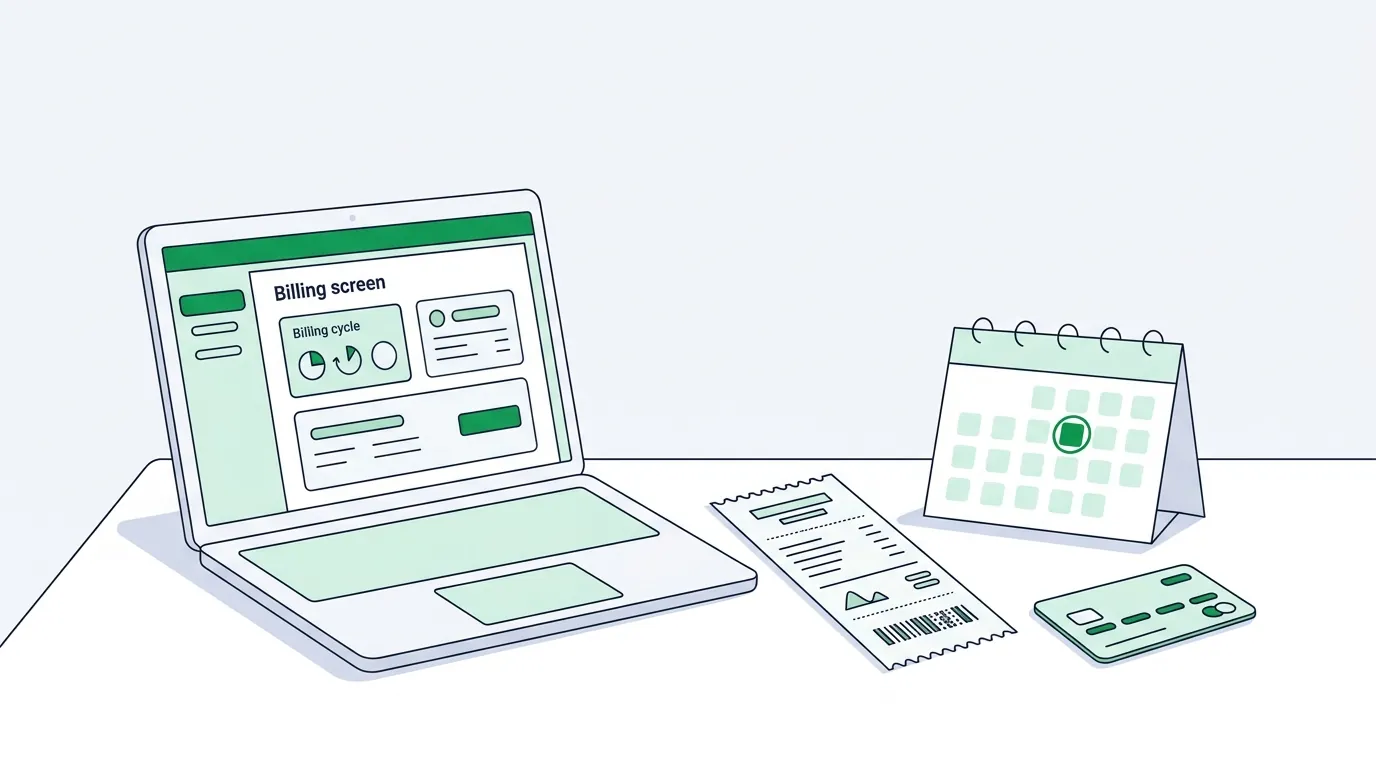
Who qualifies for a Walter Writes AI refund?
Section 6 of Walter’s Terms of Service describes a narrow refund policy. All three conditions must be met: it is your first-ever subscription payment on the platform, you request the refund within three days of that initial purchase, and your total word usage in those three days does not exceed 1,500 words. The Terms say refunds are not automatic and must be requested within the window.
Walter’s help article “Can I get a refund?” (updated September 9, 2025) lists the same three conditions. It words the time limit as three days “of signing up”, while the Terms say three days of “the initial subscription purchase”. If the two dates differ for your account, the Terms are the controlling document.
How do you request a refund?
Open the current Terms and use the contact route shown there; this guide does not repeat it because it can change. Include the email address on your Walter account, the date of your first subscription purchase and the payment you are asking about. Do not send card numbers, passwords or the text you processed. Keep a copy of your request and its time.
The help article says Walter may decline a request if it believes someone is taking unfair advantage of the policy. This site cannot see your account, issue a refund or predict a decision.
What is not covered?
The Terms say all subscription renewals are final and non-refundable, and that you are responsible for the next billing cycle if you do not cancel before the renewal date. The help article adds that Walter does not refund simply for not liking the results, failing a plagiarism or AI detection test, or forgetting to cancel before renewal.
The Terms also say that starting a chargeback or payment dispute through your bank can lead to immediate account termination and waives eligibility for refunds unless Walter agrees otherwise in writing. Contact Walter first if you think a charge is a mistake.
Refund versus cancellation
A refund concerns a past qualifying payment. Cancellation stops future renewals. Under the Terms, you can cancel at any time from your account, and cancellation takes effect at the end of the current paid term. Cancelling does not by itself request a refund, and cancelling after a renewal does not reverse that renewal. Walter’s cancellation help article describes the account menu path. Our cancellation guide also covers App Store and Google Play subscriptions. If you cannot sign in, see the login guide.
The free trial and the refund window are different things. The trial is a one-time 300-word allowance for judging a short sample before you pay; the refund terms apply only after an eligible first payment. Compare plans in the pricing guide before checkout, and see the StealthWriter comparison for a different refund model.
Walter refund timeline, day by day
The window is short, so the order of events decides the outcome.
| Step | When it happens | Source |
|---|---|---|
| First payment | Day 0; the final amount is shown at checkout before you pay | Subscription plans article |
| Word usage counted | From purchase; stay at or under 1,500 words | Terms of Service, section 6 |
| Refund request | Within three days of the initial purchase | Terms of Service, section 6 |
| Walter reply | Within 2 business days of your email | Refund help article |
| Next renewal | Monthly or yearly billing date; renewal payments are not refunded | Auto-renewal article |
Walter's help center says yearly plans are paid upfront. An annual buyer therefore has one refund point for the whole year's payment: the first three days.
Copyable refund request email
Walter's refund article asks for two items: the email address on your Walter account and a brief note on why you want the refund. Send it from that address to the contact listed in section 6 of the Terms.
Subject: Refund request: first Walter Writes AI subscription
Hello Walter support team,
I am requesting a refund of my first-ever Walter Writes AI subscription payment under section 6 of your Terms of Service.
Account email: [your account email]
Purchase date: [date of first payment]
Plan and billing period: [plan name, monthly or yearly]
Words used since purchase: [number, 1,500 or fewer]
Reason: [one sentence]
I have also cancelled the subscription so it does not renew. Thank you,
[your name]
For a charge you believe is a mistake, Walter's charged-after-cancelling article asks for your account email and screenshots. Use the subject "Billing review request" and attach both.
Refunds for App Store and Google Play purchases
If Apple or Google billed you for the Walter app, start with the store.
| Billed by | Where to ask | Time frame |
|---|---|---|
| Walter website | Email to the contact in Walter's Terms | Within 3 days, first-ever payment only |
| Apple App Store | reportaproblem.apple.com | Apple says to expect an update in 24 to 48 hours |
| Google Play | Google Play refund request | Within 48 hours; after that, contact the developer |
On Apple, the steps are short:
- Sign in to reportaproblem.apple.com with the Apple Account that paid.
- Choose "I'd like to", then "Request a refund".
- Pick the reason, then choose Next.
- Select the Walter subscription and choose Submit.
Google's refund policy page says the developer "can process refunds pursuant to its policies", so a Google Play purchase older than 48 hours goes back to Walter's own terms.
Refund and billing troubleshooting
| Problem | Cause | What to do |
|---|---|---|
| Charged after you meant to cancel | No cancellation was submitted before renewal | Check Manage Subscription, then email screenshots for review |
| Words missing after renewal | Payment still pending or delayed by your bank | Credits post once payment clears; contact support after 24 hours |
| Apple charge not listed | Purchase made on another Apple Account | Search your email for "receipt from Apple" and sign in with that account |
Walter's renewal credits article says the renewal charge "can happen at any time during the day," so check again later on the billing date before reporting missing words.
Chargebacks and billing disputes: your rights and the trade-off
US law gives card holders a formal dispute route. The Consumer Financial Protection Bureau says to send a written billing error notice within 60 calendar days after the charge appeared on your statement; the card company then has 30 days to confirm it received the dispute.
The Federal Trade Commission advises disputing a charge when a company bills you without consent and will not refund it. Walter's Terms attach a cost to that route, as described above.
Our pick: for a first-ever payment inside three days, email Walter. A 2 business day reply beats a dispute process whose first step alone can take 30 days.
Frequently asked questions
Can I get a refund from Walter Writes AI?
Does cancelling Walter Writes AI refund me automatically?
Can I get a refund for a renewal charge?
What if I used more than 1,500 words?
Can I get a refund if the output failed an AI detector?
What happens if I file a chargeback?
How long does Walter take to answer a refund request?
Can I get a refund on a yearly Walter plan?
Do unused Walter words get refunded at the end of the month?
How do I get a refund for Walter bought through the App Store?
How do I get a refund for Walter bought on Google Play?
Source and method
This guide summarizes section 6 (Subscriptions) and section 13 (Term and Termination) of Walter’s Terms of Service, which show “Last Updated September 19, 2025”, and Walter’s refund and cancellation help articles, all read on October 15, 2026. Recheck the Terms on the day you submit a request. WalterWritesAI.com is an independent guide and cannot act on a Walter account.