AI Humanizer Tool

Walter Writes AI Humanizer and AI Detector

Whether you know it as Walter AI, WalterWrites AI, or Walter Writes, this is your independent guide to the tool. Reviews, tutorials, pricing breakdowns, and comparisons all in one place.

AI humanizer tool →
Guide
Independent user information
Sources
Terms and product guidance linked
Trial
Terms explained
Examples
Outputs you can inspect

What is Walter Writes AI used for?

Walter Writes AI is a writing tool for revising the wording of a draft and checking text with an AI detector. Its official site also lists developer APIs and a mobile app. Use the rewrite as a draft to review, not a guarantee of factual accuracy, original authorship or any detector outcome. This guide explains product terms and limits; the actual tool is on Walter's official domain.

Documented product facts, checked October 14, 2026
QuestionPublished answerCheck date and source
What is the main writing tool?A Humanizer rewrites submitted text. Review the result for changed meaning.October 14, 2026, Walter product home
Does it include a detector?Walter offers an AI-likelihood checker.October 14, 2026, Walter detector page
What governs subscriptions?The published Terms describe renewal, cancellation and a limited first-payment refund policy.October 14, 2026, Walter Terms section 6

For a purchase decision, start with the review, pricing guide and refund policy summary. Students should read the coursework and AI-report guide before using any rewriting tool.

Find a direct answer:
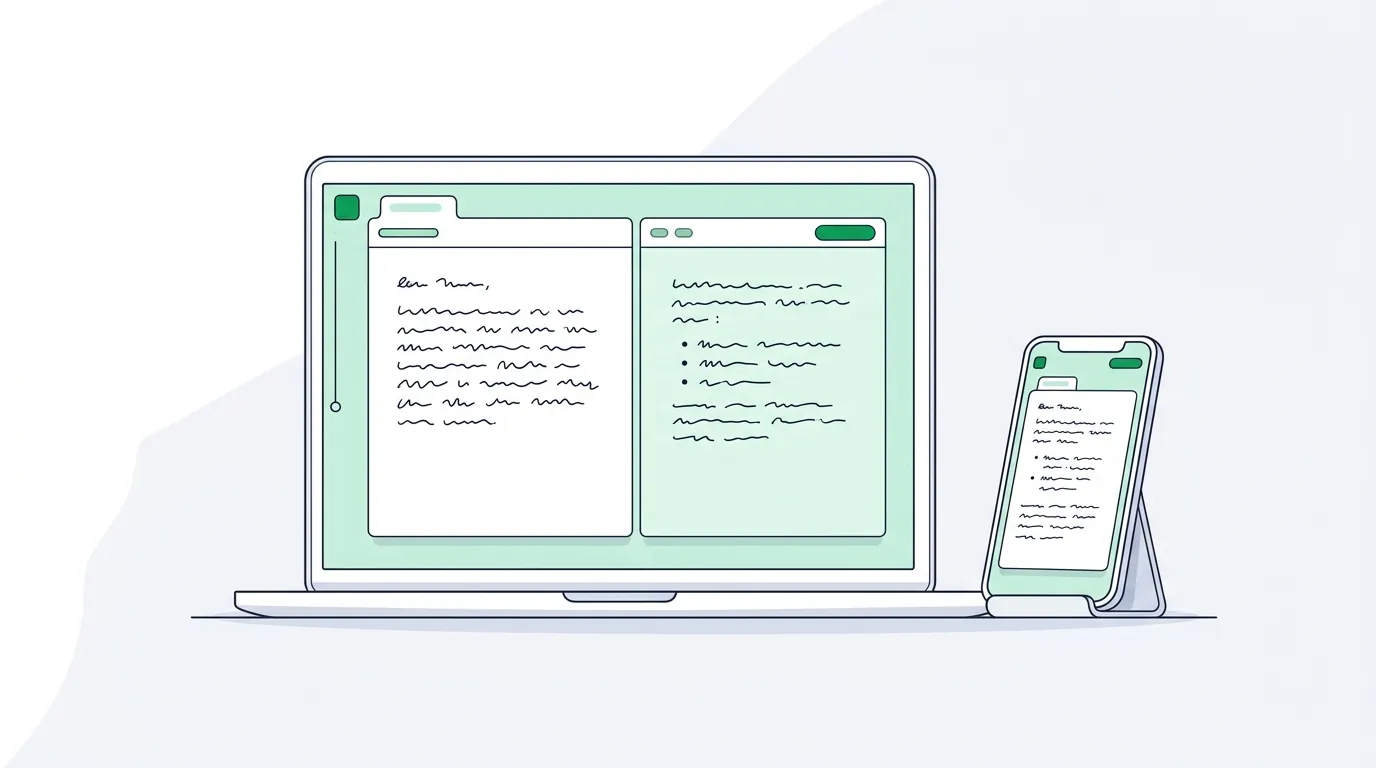
Walter Writes AI humanizer and AI detector shown on a laptop and phone side by side

Review the Rewrite, Not Just the Score

Walter can suggest alternative wording for a draft. A fluent rewrite can still change a fact, quotation or qualification, so compare the output with your original and its sources.

Start with a short passage you are allowed to process. Save the original, choose the documented controls, then edit the result in your own voice. No humanizer can promise a particular detector result.

  • Check your course or workplace rules first
  • Verify every name, number and source
  • Try a representative passage before paying
  • Keep both the input and output for comparison
  • Read the current trial terms before signing up
Walter Writes AI Humanizer
AI-Generated Input
The utilization of artificial intelligence in academic contexts necessitates a comprehensive evaluation of ethical frameworks and pedagogical implications across institutional structures.
Illustrative Rewrite
Using AI in education raises questions about policy and teaching practice. Schools need to decide how to respond.
Review the output

Facts

Names and numbers

Sources

Links and quotes

Voice

Reader and tone

Policy

Allowed use

Checks before use
Check
Facts
Check
Sources
Check
Voice

Give Your AI Writing a Real Human Voice

AI text can be repetitive or poorly matched to its audience. A rewrite may help you find alternative wording, but it is still a draft. Read it aloud and repair phrases that do not sound like you.

The same review matters for essays, articles and professional documents. Keep required quotations and source claims intact. If the task has rules for AI assistance, follow them before uploading or submitting any rewrite.

  • Natural sentence rhythm and varied structure
  • Tone suited to your intended reader
  • A first draft for you to edit
  • Check core arguments and key facts
  • See the official site for current language support

Three Steps to a Reviewed Rewrite

Save the source text, use documented settings, then check every substantive change.

1

Paste Your AI Text

Use a passage you are permitted to upload, within your plan’s per-request limit. Save a copy before rewriting.

2

Choose Your Settings

Select the documented readability, purpose and bypass-level controls for your task.

3

Check the Output

Compare the rewrite with the original for facts, quotations, links and meaning before using it.

Walter Writes AI pricing and trial

Walter Writes AI offers a one-time 300-word Humanizer trial after signup, with no credit card required. The trial does not renew; paid plans have word allowances.

One-time trial

300 Humanizer words after signup. No credit card required.

The allowance does not reset daily. Advanced levels require a paid plan.

Individual plans

Starter, Pro and Elite offer 30,000, 70,000 and 200,000 words per month respectively.

Per-request limits are 750, 1,500 and 2,000 words respectively.

Teams

500,000 words per month, 2,000 words per request and 10 team members on the listed plan.

Terms checked October 14, 2026. Read the official pricing page and trial terms, or our pricing guide. Annual equivalents require annual billing.

Walter Writes AI in One Table

Everything the tool does, on one screen. Product facts below come from the Walter Writes AI home page.

FeatureWhat you get
AI HumanizerRewrites AI drafts at the sentence-structure level, not just word swaps
Rewrite strengthSimple, Standard or Enhanced
AI DetectorBuilt in, so each rewrite can be scored in the same workspace
LanguagesMore than 80
Voice matchingListed on the paid plans
Where it runsWeb app, iOS and Android app, Chrome extension, and free MCP connectors for Claude and Codex
For developersHumanizer and detector APIs, plus grammar and plagiarism checker APIs

Quick Start: Your First Rewrite in Five Steps

  1. Confirm you are allowed to use it. Check your course, employer or client rules on AI editing first.
  2. Sign up for the trial. The 300-word trial needs no credit card, so use it on a real paragraph.
  3. Paste one full paragraph. Whole paragraphs keep claims and evidence together.
  4. Start on Simple. Simple keeps more of your structure; move to Standard or Enhanced only if the text still reads stiffly.
  5. Compare and keep your files. Check names, numbers and quotations against your original, and save both versions.

The full tutorial walks through each setting in detail.

Which Guide to Read Next

If you want to knowRead
Whether Walter is worth paying forWalter Writes AI review
What each plan includes and costsPricing guide
How to run a clean first rewriteHow to use Walter
How Walter compares with other humanizersBest AI humanizer tools
What Turnitin can and cannot detectDoes Turnitin detect AI?
Which tool to switch toWalter alternatives
AI detector landscape: four different detector gauges giving different readings for the same text
Different detectors use different methods, so the same text can score very differently from one to the next.

The AI Detector Landscape at a Glance

Every detector estimates probability, and each one works differently. Here is what the major names publish about themselves, and what research has found.

Detector or studyKey factSource
TurnitinNeeds 300+ words of prose; scores under 20% show an asterisk since July 8, 2024; reports AI writing and AI paraphrasing separatelyUniversity of Melbourne guide
Turnitin, on its limitsThe report should not be the sole basis for adverse action against a studentTurnitin guide
GPTZeroBegan with perplexity and burstiness; moved to a deep-learning model in autumn 2023GPTZero
OpenAI classifierRetired July 20, 2023 for low accuracy after flagging only 26% of AI textOpenAI
DetectGPT (2023)Detects model text by probability curvature; 0.95 AUROC on GPT-NeoX fake newsarXiv 2301.11305
Paraphrasing study (2023)Rewriting cut DetectGPT accuracy from 70.3% to 4.6%; retrieval caught 80% to 97%arXiv 2303.13408
Bias study (2023)Detectors consistently misclassify non-native English writing as AI-generatedarXiv 2304.02819

The takeaway is simple: no single score settles authorship. Keep drafts and notes, and read the Turnitin guide before any assessed submission.

Frequently Asked Questions

Is this the official Walter Writes AI Humanizer website?
No. This is not the official Walter Writes AI website. The official site is WalterWrites.ai. WalterWritesAI.com is an independent reference and information site about the Walter Writes AI Humanizer tool.
Can a rewrite guarantee an undetectable result?
The phrase often means a rewrite intended to change a detector score. Such a result cannot be guaranteed. Check writing quality, factual accuracy and the rules that apply to your work.
What is Walter Writes AI Humanizer?
Walter Writes AI offers a humanizer and a detector. Use the humanizer as an editing aid, then compare every substantive change with your original draft.
How does Walter Writes AI Humanizer work?
The humanizer changes wording and structure according to selected settings. Its output still needs human review for accuracy, attribution and voice; no detector outcome is assured.
Does Walter guarantee a detector result?
No reliable multi-detector pass rate is established by this guide. Different detectors can disagree, and none proves authorship. Review the text and follow the applicable policy.
Which languages does Walter Writes AI support?
Language support can change. Check Walter’s current product information for the language and feature you need, then test a permitted short passage.
Are Walter Writes AI Humanizer tools useful for students?
Students should follow their institution’s AI policy and preserve drafts and research notes. A rewriting tool does not make prohibited assistance permissible or guarantee a detector result.
How does Walter Writes AI pricing work?
Walter lists a one-time trial and paid plans with separate monthly allowances and per-request limits. Check the current official pricing page and our pricing guide before buying.
What makes Walter Writes AI better than other humanizer tools?
Compare tools on the quality of a finished passage, not a claimed detector score. Walter output can change wording, but you still need to verify meaning, sources and suitability for the task.
Is the Walter Writes AI detector free?
Yes, Walter's home page offers a free AI detector scan, and the same detector is built into the humanizer workspace so each rewrite gets an authenticity score. Use that score as a quick check on your own draft, then confirm facts, quotations and course rules yourself before you submit or publish.
Which rewrite strength should I choose in Walter Writes AI?
Start with Simple. It keeps more of your original structure and wording, which matters when the draft already contains your own ideas and citations. Move to Standard or Enhanced only when the text still reads stiffly, and compare every output against your original before using it.
Can I use Walter Writes AI inside other apps?
Yes. Walter lists a Chrome extension for humanizing text where you type, iOS and Android apps, free MCP connectors for Claude and Codex, a Zapier integration and developer APIs. The web app remains the place to manage plans and the built-in detector.
Which AI detector is the most accurate?
No detector is accurate enough to prove authorship on its own. Turnitin says its report should not be the sole basis for adverse action, OpenAI withdrew its classifier in 2023 for low accuracy, and Liang et al. found detectors misclassify non-native English writing. Treat any score as one signal alongside drafts and notes.

Read the Evidence Before You Decide

Join over 1 million students, writers, and professionals who trust Walter Writes AI Humanizer. Compare Walter Writes AI features, limits and editing workflows using sourced guides and examples you can inspect.

try the AI humanizer →