Features

Everything Walter Writes AI
Can Do For You

A complete breakdown of every capability that makes Walter Writes AI the most powerful and reliable AI humanizer available today.

Add as a preferred source on Google
Summarize with AI

Try all AI humanizer features →

Related guides: how the humanizer works, use cases by role and integrations and the API.

The Features That Set Walter Writes AI Apart

Universal Detector Bypass

Walter Writes AI is tested and verified against every major AI detection platform, Turnitin, GPTZero, Originality.ai, Copyleaks, ZeroGPT, and more. Humanized output consistently registers as 0% AI across all platforms. Not 80%. Not 90%. Zero.

99%+ bypass rate

Semantic Meaning Preservation

Walter Writes AI doesn't just scramble your text, it rewrites it while actively preserving your original meaning, argument structure, key facts, and evidence. A secondary validation layer checks semantic equivalence before delivery. Your ideas stay your ideas.

Full meaning retained

Four Specialized Writing Modes

Academic mode for essays and papers. Professional mode for business writing. Casual mode for blogs and social. Creative mode for storytelling and copy. Each mode applies a distinct set of transformations tuned for its register, not just a tonal slider.

4 distinct modes

Under 10-Second Processing

Speed matters when you're on a deadline. Walter Writes AI processes the average document in under 10 seconds on dedicated infrastructure. No queuing, no slow batch jobs, paste and you're done before you've had time to overthink it.

Average 4 to 8 seconds
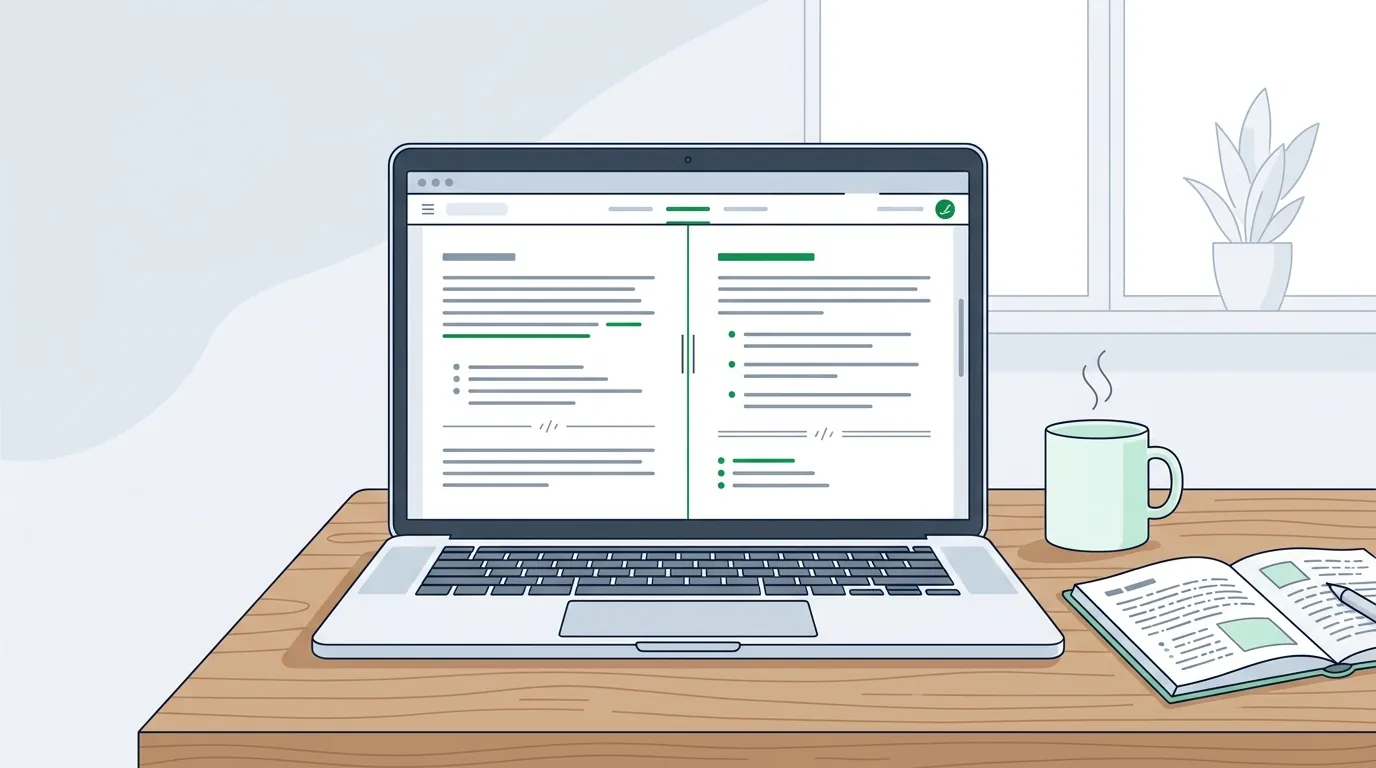
Walter Writes AI features shown as a humanizer editor with original and rewritten text side by side

Every Feature, Explained

All AI Sources Supported

ChatGPT, GPT-4o, Claude 3.5, Gemini 1.5, Llama 3, Mistral, Perplexity, any LLM output works.

Any Document Length

From a single sentence to a full research paper. Walter Writes AI handles any input length without quality degradation.

Bulk Processing

Process multiple texts in a single session with paid plans. Ideal for content teams, SEO agencies, and heavy users.

Zero Data Retention

Your text is never stored, never logged, never used for training. Complete privacy on every single request.

Multi-Language Support

Walter Writes AI works in English and a growing set of additional languages for international users.

Readability Scoring

See a readability score alongside every humanized output so you can gauge natural flow before using the text.

↩

Re-Humanize Option

Not satisfied? Hit re-humanize for a fresh pass with different transformations, same meaning, different rewrite.

Clean Web Interface

No app to install. Walter Writes AI runs entirely in your browser at WalterWrites.ai, on any device, instantly.

Free Trial Available

Walter Writes AI offers a one-time 300-word Humanizer trial after signup, with no credit card required. The trial does not renew; paid plans have word allowances. See the official trial terms and pricing guide.

Walter Writes AI vs. The Alternatives

Feature Walter Writes AI Generic Paraphrasers Manual Rewriting
Passes Turnitin AI DetectionSometimes
Passes GPTZeroRarely
Passes Originality.ai
Preserves MeaningPartially
Under 10 seconds
Multiple writing modes
No data storedVaries
One-time 300-word trial
Consistent resultsVariesDepends

Tested Against Every Major AI Detector

Turnitin AI
99%+ bypass rate
GPTZero
99%+ bypass rate
Originality.ai
98%+ bypass rate
99%+ bypass rate
Copyleaks
98%+ bypass rate
ZeroGPT
99%+ bypass rate

The Full Walter Writes AI Tool Lineup

The humanizer is the headline feature, but Walter's own product menu lists five writing tools and a set of developer APIs under one brand. Knowing which tool does which job saves words from your allowance and gets you to a finished draft faster.

ToolWhat it doesBest for
AI HumanizerRewrites drafts from ChatGPT, Claude and Gemini so they read as natural human writingEssays, articles, emails and product copy
AI DetectorScores text for AI patterns, down to individual sentencesChecking a draft before you submit or publish
AI ParaphraserRewrites sentences with tone controlPassages that need a structural rewrite, not just a humanize pass
Grammar CheckerFixes grammar without making the text sound like AIFinal proofreading
AI Resume RewriterRewrites resumes for AI screening systemsJob applications
Plagiarism Checker APIScans text for source matches and highlights matched passagesPublishers and developers checking originality
AI Image and Voice Detector APIsFlags AI-generated images, deepfakes and synthetic speechTrust and safety teams

Walter's developer documentation confirms the developer side: humanizer, AI detector, plagiarism, grammar, voice detector and image detector endpoints, plus a combined detect-and-humanize call, all returning JSON over HTTPS.

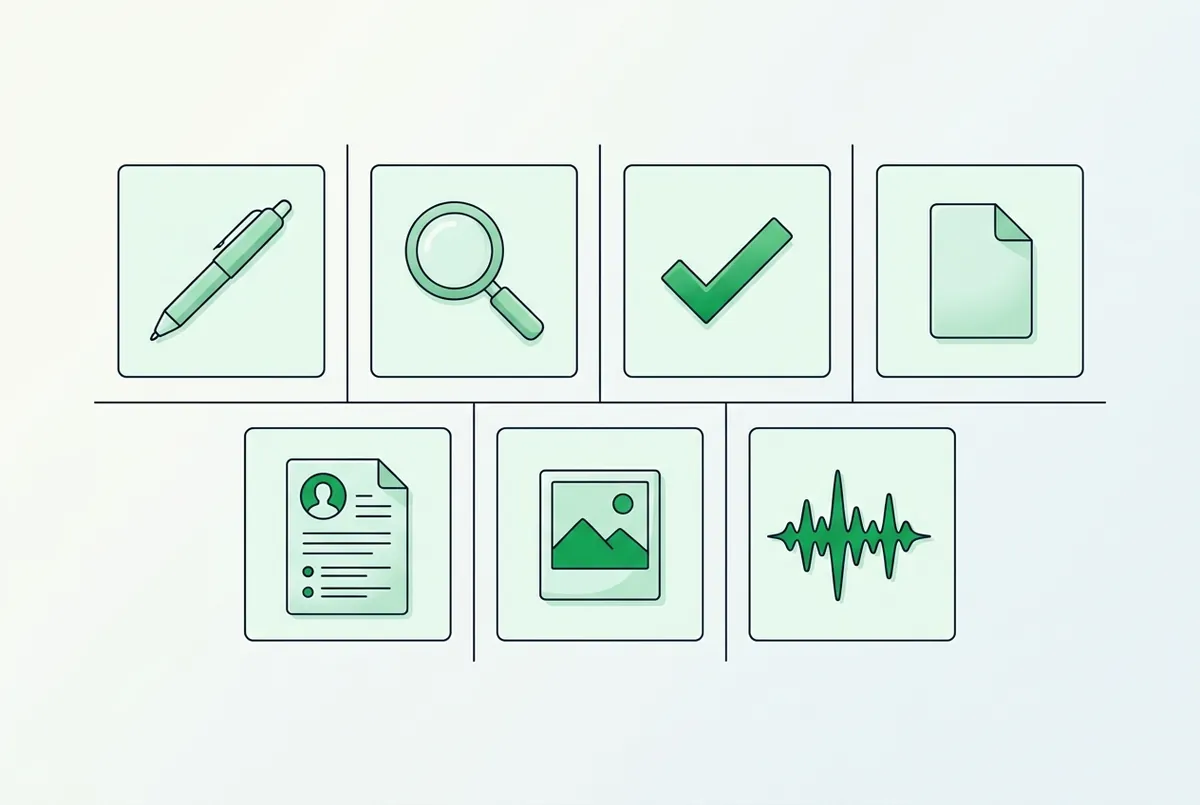
Walter Writes AI tool lineup: humanizer, AI detector, paraphraser, grammar checker, resume rewriter and detector APIs
Walter's lineup covers rewriting, detection, grammar and originality checks under one brand.

Humanizer Settings: Readability, Purpose and Rewrite Level

On top of the four writing modes, Walter exposes a few controls that shape every rewrite. Walter's free trial help article says trial users can pick a readability level, such as high school or academic, and a purpose, such as essay or email.

The humanizer page also lists three rewrite levels: Simple, Standard and Enhanced. The 300-word trial runs on the Simple level, and Walter reserves the advanced levels for paid plans.

SettingDocumented optionsWhen to change it
Readability levelHigh school, academic and other audience levelsMatch the reader: a class essay, a journal draft or a general blog
PurposeEssay, email and other document typesTell Walter what the text is for so tone and structure fit
Rewrite levelSimple, Standard, EnhancedStart with Simple; step up when a detector scan still flags passages
ToneCasual, academic, brand-safeHold a company voice or a formal register steady

The Built-In AI Detector, Explained

Walter pairs every rewrite with its own AI checker, so you scan the output in the same workspace instead of pasting it into a second tool. Walter's help center says the free trial includes 3 days of full AI Detector access.

Walter's AI Detector API reference shows what sits underneath. Each check returns an AI probability from 0.0 (human) to 1.0 (AI) plus a score for every sentence. Walter labels 0.0 to 0.3 as human with high confidence and 0.7 to 1.0 as AI-generated with high confidence.

Inside Claude or ChatGPT, the Walter MCP server reports the same check as a 0 to 100 score with a verdict of likely human, unclear or likely AI. It also marks the high-risk spans, so you know exactly which sentences need another pass.

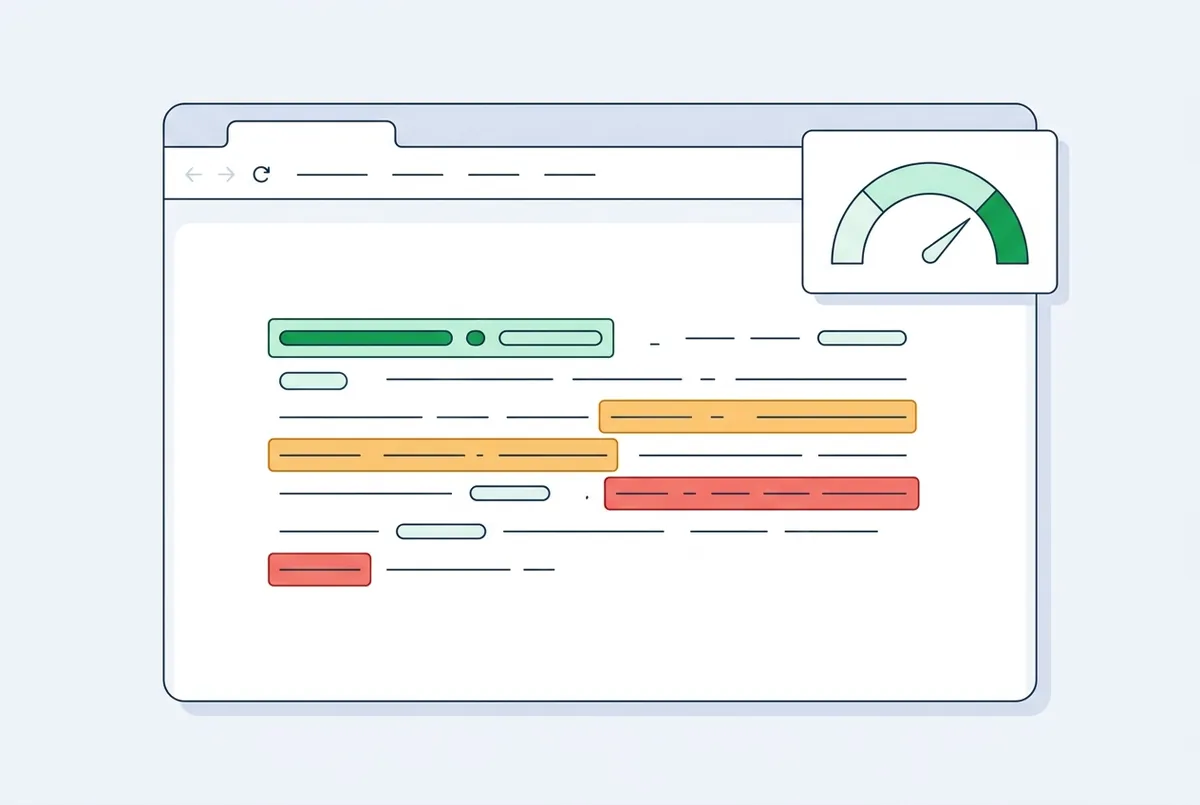
Walter Writes AI built-in AI detector highlighting sentence-level AI scores in a paragraph
The built-in detector scores each sentence, so you can re-humanize only the lines that flag.

Where Walter Runs: Browser, Extension, Mobile and AI Assistants

The web editor needs no install. Walter also offers optional apps for people who want the tools closer to where they already write.

  • Chrome extension: the AI Humanizer and Detector extension lets you highlight text, right-click and choose Humanize or Scan AI. The Chrome Web Store listing shows version 2.1.4.6, updated October 8, 2026, with a 4.9 rating from 103 reviews.
  • Mobile apps: Walter's mobile page says the iOS and Android apps use the same humanizer and detector models as the web app, and paid plans are shared across web, the extension and mobile.
  • AI assistants: the MCP server adds Humanize, Detect and Batch Humanize tools to Claude, ChatGPT Developer mode, Gemini CLI and other MCP clients. Our integrations guide covers setup.

Language coverage is broad too. Walter's MCP documentation lists support for 80+ languages, with English delivering the strongest results.

How to Choose the Right Feature for Your Task

  1. Drafting with ChatGPT, Claude or Gemini? Start in the AI Humanizer and set purpose and readability before you click.
  2. Sending work to a school or client that runs detection? Scan the final version with the built-in AI Detector and fix flagged sentences.
  3. A passage still reads awkwardly? Re-humanize it, or move it through the AI Paraphraser for a structural rewrite.
  4. Last step before sending? Run the Grammar Checker so small errors do not undercut a clean draft.
  5. Writing inside Gmail, Google Docs or LinkedIn? Install the Chrome extension and work in place.
  6. Processing dozens of pieces? Use Batch Humanize through MCP or the API instead of pasting one at a time.

Walter's Claude connector guide says Batch Humanize takes up to 25 items per call, with up to 5,000 words per item.

Features FAQ

Can Walter Writes AI handle technical or specialized content?
Yes. Walter Writes AI is designed to handle specialized content including medical, legal, academic, and technical writing. The meaning-preservation layer is specifically trained to retain domain-specific terminology and precise factual claims while removing AI-detectable patterns around them.
Is there a word limit on the free plan?
Walter Writes AI offers a one-time 300-word Humanizer trial after signup, with no credit card required. The trial does not renew; paid plans have word allowances. See the official trial terms.
Does Walter Writes AI support languages other than English?
Walter Writes AI primarily supports English with the highest accuracy. Additional language support is available and expanding, check the official site for the current list of supported languages.
Can I use Walter Writes AI via API?
API access is available for developers and enterprise customers. Visit WalterWrites.ai to learn more about API access and enterprise pricing.
Does Walter Writes AI have a Chrome extension?
Yes. AI Humanizer and Detector by Walter Writes AI is listed on the Chrome Web Store and lets you highlight text in Google Docs, Gmail and other web editors, then humanize it or scan it for AI with a right-click. Walter's extension page names Gmail, Google Docs, LinkedIn, Notion, Slack, ChatGPT, Claude and X as supported apps.
Is there a Walter Writes AI mobile app?
Yes, Walter publishes apps for iPhone and Android. Walter's mobile page says the apps run the same humanizer and detector models as the web app, and that paid plans are shared across web, the Chrome extension and mobile. You can also share text from another app straight to Walter for an AI-probability score.
Which readability levels and purposes can I choose?
Walter lets you set a readability level, such as high school or academic, and a purpose, such as essay or email, before you humanize. Walter's help center lists both settings on the free trial alongside the Simple rewrite level, while the Standard and Enhanced levels sit on paid plans.
Does the free trial include the AI Detector?
Yes. Walter's help center says new accounts get full AI Detector access for 3 days in addition to the 300 Humanizer words, with no credit card needed. During that window you can see detection risk across multiple platforms, so the trial covers the full humanize-then-check workflow.
Can Walter Writes AI check for plagiarism?
Yes, through the developer API. Walter's documentation lists a Plagiarism Checker endpoint that scans text against web sources and returns a score, matched sources and highlighted passages, at a flat 2 credits per scan. It runs on the same API account as the humanizer, detector and grammar endpoints.
Does Walter include a grammar checker?
Yes. Walter lists a Grammar Checker among its writing tools, built to fix grammar without making text sound like AI, plus a Grammar Checker API that returns corrected text with a complete edit diff. Running it as the last step catches small errors left after a humanize pass.
Access Every Feature: Start Free

No credit card required. Try Walter Writes AI's full humanization capabilities on your own text today.

Start for Free at WalterWrites.ai →