Short answer: October 2026
Sign in to Walter Writes AI at walterwrites.ai using the Sign In link, which opens app.walterwrites.ai. If you forgot your password, Walter’s help center says to use the forgot-password page, enter your account email and click Reset Password. If you signed up with Google, there is no Walter password: use Continue with Google. Walter says changing the email on an account is not yet available, and its Terms prohibit sharing an account.
| Problem | What Walter says | Source |
|---|---|---|
| Forgot password | Go to the forgot-password page, enter your account email, click Reset Password, then check your inbox and spam folder | Help article on resetting a password |
| Signed up with Google | The account has no Walter password and cannot switch to email login later | Help article, updated June 17, 2025 |
| Wrong or old email | Changing the email address on an existing account is not available yet | Help article, updated September 9, 2025 |
| App will not load | Clear cache, try a private window, disable extensions, update or change browser | Help article, updated June 5, 2025 |
| Shared login | Account sharing is prohibited and can lead to termination without refund | Terms of Service, section 4 |
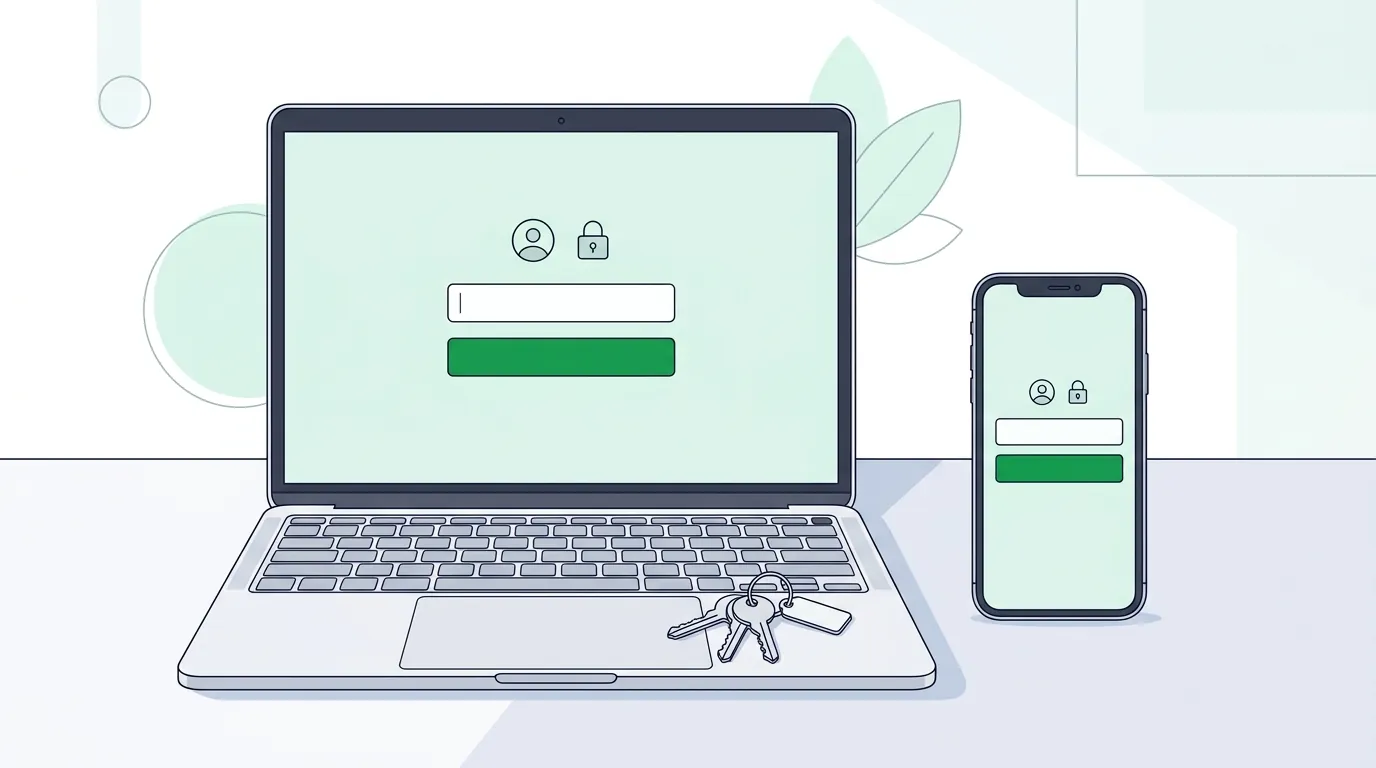
How do I log in to Walter Writes AI?
- Go to walterwrites.ai and choose Sign In.
- Check that the address bar shows app.walterwrites.ai before entering anything.
- Use the method you signed up with: email and password, or Continue with Google.
WalterWritesAI.com is an independent guide and does not host a login form. Never enter your Walter password on any other domain. The official-site guide explains how to recognise Walter’s real destinations.
How do I reset my Walter password?
Walter’s help article on resetting a password gives these steps: open the forgot-password page on app.walterwrites.ai, enter the email address on your account, click Reset Password, and use the link in the email you receive. It adds that if the email has not arrived after a few minutes, you should check your spam or junk folder.
I signed up with Google. Why can’t I use a password?
Walter’s article “Can I create a password if I signed up with Google?” (updated June 17, 2025) says a Google signup is linked to your Google login, so you have no Walter password and cannot switch to email login later. Use Continue with Google each time. If you want an email-and-password login, the article says you would need a new account created that way.
Can I change the email on my Walter account?
Not yet. Walter’s help article on changing an email address (updated September 9, 2025) says the feature is in development. If you cannot find your subscription, check whether you paid from a different email or Google account before buying again.
The Walter app will not load. What should I try?
Walter’s article “The app isn’t loading” (updated June 5, 2025) suggests clearing your browser cache, trying a private window, disabling browser extensions, updating your browser or trying another one. If that fails, it asks you to contact support with your browser, version, operating system and screenshots, through the support link inside Walter’s help center.
Can I share my Walter account?
No. Section 4 of Walter’s Terms of Service says each account is for individual use, that account sharing is “strictly prohibited” including with classmates, colleagues or team members, and that unauthorized sharing results in termination without refund. Teams that need several people should look at Walter’s Teams plan, which lists 10 team members, in the pricing guide.
Walter login troubleshooting: problem, cause, fix
The six problems below map to the account and billing issues covered in Walter's help center. Find your symptom in the left column and work across.
| Problem | Likely cause | Fix |
|---|---|---|
| Reset email never arrives | Wrong address, or the account uses Google sign-in | Check spam, then try your other addresses; a Google signup has no Walter password, per Walter's Google article |
| Password rejected every time | You signed up with Continue with Google | Use Continue with Google; Walter says Google signups cannot switch to email login |
| Google account locked | Forgotten Google password or lost verification codes | Follow Google's account recovery steps; Walter cannot reset a Google login |
| Words show zero after renewal | Renewal payment still pending or declined | Credits arrive only after the payment clears, per Walter's renewal-credits article; contact support after 24 hours |
| Card declined at renewal | Expired card or insufficient funds | Walter emails a prompt to update payment details; credits stay paused until it succeeds |
| Everything fails at once | Service-side outage | Check Walter's status page before resetting anything |
Walter's renewal-credits article states that the renewal charge can happen at any time during the renewal day. A morning login that shows zero words is usually a payment still in progress, not a lost account.
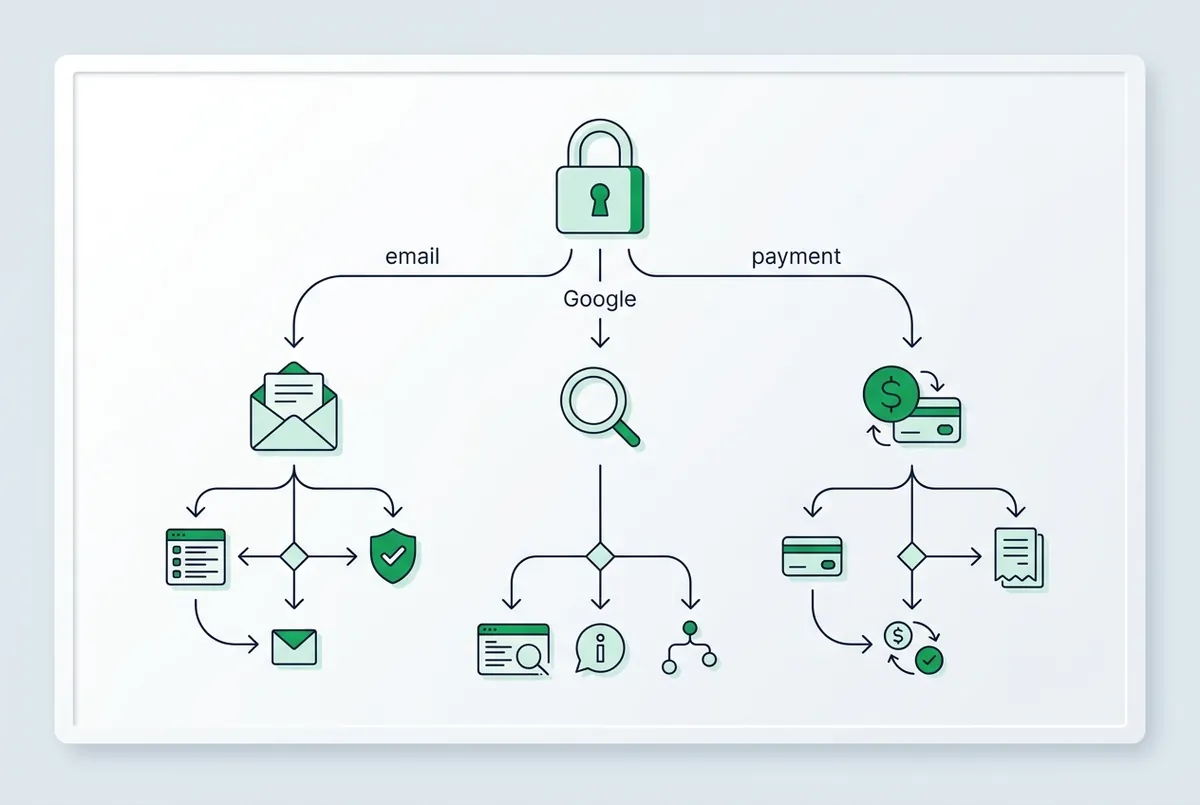
Signing in on web, iPhone and Android
Walter's mobile page promises one sign-in across web, the Chrome extension and mobile, with drafts, history and settings in sync. The steps differ only in where you start.
Web browser
- Type walterwrites.ai into the address bar.
- Choose Sign In, which Walter's site navigation points to app.walterwrites.ai/en/login.
- Pick the method you signed up with: email and password, or Continue with Google.
iPhone
- Install Walter Writes: AI Humanizer from the App Store badge on Walter's mobile page.
- Open the app while connected to the internet, which Walter says the app requires.
- Sign in with the same email or Google account you use on the web.
Android
- Install the app from the Google Play badge on Walter's mobile page, package com.walterwrites.
- Open it online and choose the same sign-in method as on the web.
- If a paid plan is missing, sign out and back in with the account that holds the subscription.
How to keep your Walter account secure
Walter's Terms of Service (section 4) make you responsible for all use of your account and password. Two habits cover most of that risk.
Use a long, unique password. NIST's SP 800-63B digital identity guideline requires passwords used as a single factor to be at least 15 characters. The same guideline says services shall not force periodic password changes, but must force a change when there is evidence of compromise. A password manager makes long, unique passwords practical.
Protect the inbox that receives reset links. Anyone who controls that email account can reset your Walter password. CISA recommends turning on multifactor authentication for every account that offers it, starting with email. For Google signups, your Google account is your Walter login, so its security settings are the ones that count.
Never hand a password or code to someone offering help. Google says it works with no service that claims to provide account or password support, and Apple warns that scammers often ask for security codes while posing as support.
Copy-and-paste email for a Walter login problem
Walter's help center offers live chat and email links at the bottom of every article, and its password reset article lists support@walterwrites.ai. A complete first message gets a faster answer. Fill in the brackets and delete what does not apply:
Subject: Login problem on account [account email]
Hello, I cannot sign in to Walter Writes AI. My account email is [email], and I signed up with [email and password / Continue with Google]. The problem started on [date]. I see this message: [exact error text]. I have tried the forgot-password page, a private window and another browser. I am using [browser and version] on [operating system]. Screenshots are attached. My subscription was bought through [the Walter website / App Store / Google Play]. Thank you.
Never include your password, a verification code or full card details in a support message.
Frequently asked questions
Where is the Walter Writes AI login page?
How do I reset my Walter Writes AI password?
I signed up with Google. Do I have a password?
Can I change my Walter account email?
Can I share my Walter account with a classmate or colleague?
Why does my Walter account show zero words after renewal?
How do I know if Walter Writes AI is down?
How long should my Walter password be?
Can Walter support reset my Google login?
What should I include when contacting Walter about a login problem?
Related guides: cancel a subscription, what the free trial includes and using Walter inside other tools.
Can I use the same login on the app and Chrome extension?
Yes, according to Walter’s mobile page, which says that if you sign in once, your drafts, history and settings stay in sync across the web, the Chrome extension and mobile, and that paid plans are shared across them. Use the same sign-in method everywhere: if you created the account with Google, choose Continue with Google in the app and extension too. If a device shows a free account after you paid, you are probably signed in with a different email or method. Sign out and back in with the account that holds the subscription before contacting support, and do not buy a second plan to fix the problem.
Source and method
This guide uses Walter’s help center articles on password reset, Google sign-in, email changes and loading problems, and section 4 of its Terms of Service, read on October 15, 2026. Walter’s sign-in page is a JavaScript app that this guide could not read directly, so sign-in options are taken from the help center. No account was accessed.