Related guides: AI detection in Moodle, AI detection in Blackboard and GPTZero vs Turnitin.
Does Google Classroom Detect AI Writing?
Google Classroom does not have a built-in AI detector. Like Canvas, Google Classroom is an LMS: it manages assignment distribution, submission, and grading, but does not analyze the content of submissions for AI detection.
AI detection in Google Classroom comes from third-party tools, primarily through Google's own Originality Reports feature, which checks for plagiarism and can flag some AI-generated content, and through external integrations like Turnitin where institutions have set them up.
Google Originality Reports
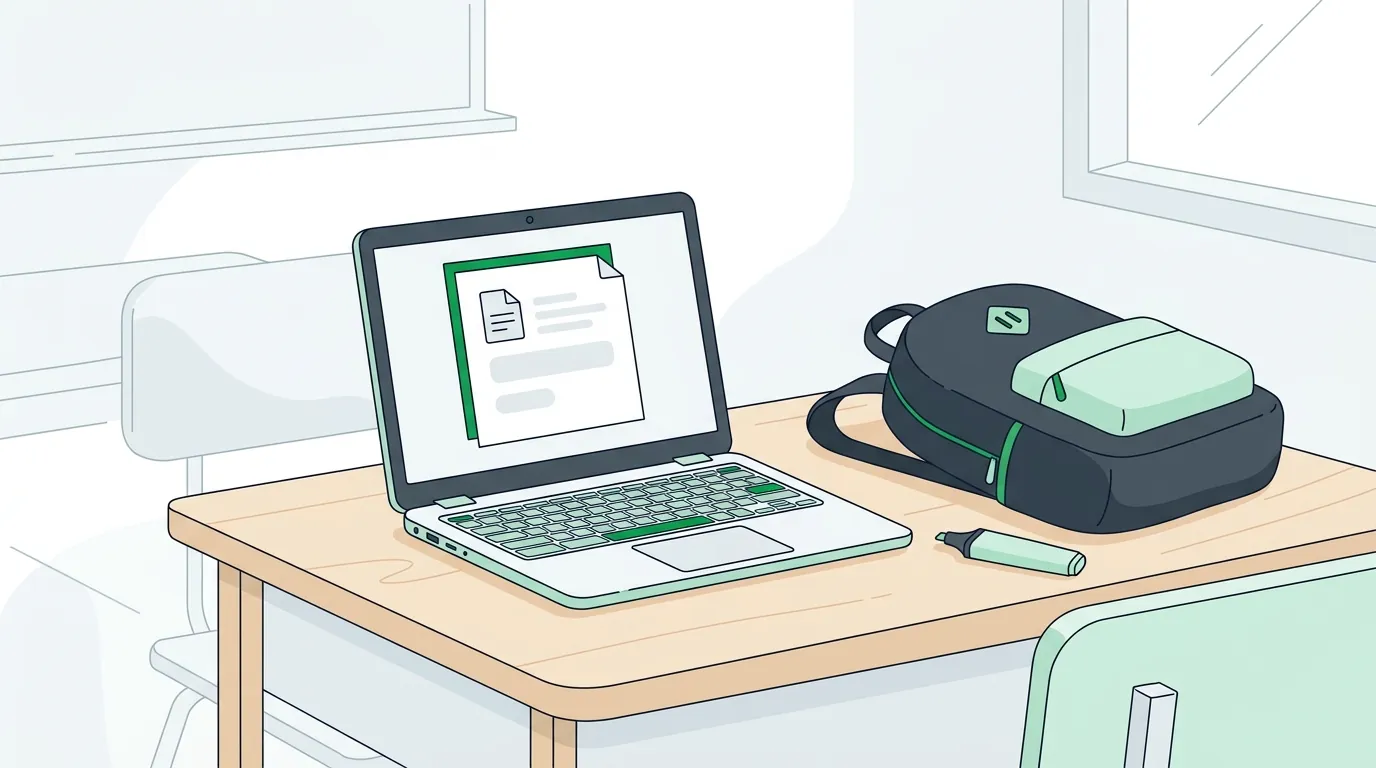
Google Classroom includes an Originality Reports feature that is separate from Turnitin. This feature checks submitted work against billions of web pages and books in Google's index. It is primarily a plagiarism checker, not an AI detector.
However, Google Originality Reports added limited AI detection capability in 2024. The feature is less sophisticated than Turnitin's dedicated AI detection and has a higher false positive rate on technical and formulaic content. Many institutions use Originality Reports as a first-pass check and rely on instructor judgment rather than treating the score as definitive.
Key distinction: Google Originality Reports = primarily plagiarism detection with limited AI detection. Turnitin AI Writing = dedicated AI detection tool. The two are very different in capability and are used in different institutional contexts.
Turnitin in Google Classroom
Some institutions integrate Turnitin directly with Google Classroom, giving instructors access to the full Turnitin AI Writing Report from within the Classroom interface. This is less common than the Canvas + Turnitin pairing, but it does exist and provides full AI detection capability when enabled.
If your Google Classroom assignment shows a Turnitin submission option or a similarity percentage after submission, your institution has enabled the integration and full AI detection is in play.
Detection Capability Comparison
| Detection Method | AI Detection | Accuracy | Availability |
|---|---|---|---|
| Google Originality Reports | Limited | Lower than Turnitin | Built into Google Classroom |
| Turnitin (via integration) | Yes, full | High | Requires institutional license |
| No integration | No | N/A | Default without setup |
Who Uses Google Classroom?
Google Classroom is most commonly used at K-12 schools and smaller higher education institutions. Large research universities tend to use Canvas, Blackboard, or Moodle. This means the Turnitin integration is less common in Google Classroom environments, and AI detection is more likely to come from Google Originality Reports if present at all.
If you are at a university using Google Classroom, check your course materials for any mention of Turnitin or AI detection tools. If the course uses only Google Originality Reports, the AI detection capability is more limited than a full Turnitin environment.
What Google's help center says an originality report checks
Google documents the originality report as a source-matching tool built on its own search index. According to How an originality report is created, reports use Google Search to compare a student's Google Docs, Google Slides and Microsoft Word files against webpages and books on the internet.
The same page spells out the scope. Google Scholar itself is excluded, though scholarly journals that appear in Google Search are covered. The report flags passages that match a webpage the student did not cite or quote, shows the source text and links to it, and lists cited or quoted passages separately.
Two limits matter when a report looks alarming. Google says reports do not evaluate MLA or APA formatting, and they do not group or tier sources by severity. The teacher decides whether a flagged passage is a problem. Google also flags tricky text: it notifies teachers when 6 or more non-text characters signal multiple scripts in one assignment.
Reports only run for Google Workspace for Education accounts set to one of 25 supported languages, including English, Spanish, Portuguese, Filipino, Hindi and Arabic.
Education Fundamentals vs paid editions: report limits
The edition your school pays for changes how often originality reports can run. Google's Turn on originality reports page sets the limits below.
| Feature | Education Fundamentals (free) | Teaching and Learning upgrade or Education Plus |
|---|---|---|
| Assignments with originality reports | 5 per class | Unlimited |
| Student self-checks before turning in | 3 per assignment | 3 per assignment |
| School matches against past student work | Not available | Available; off by default until an admin enables it |
| Report availability | 45 days, then rerun in the grading tool | 45 days, then rerun in the grading tool |
| Maximum document size | 2MB | 2MB |
Visibility runs one way. Google's student guide says your teacher cannot find the reports you run, and after you turn work in, Classroom automatically runs a report that only your teacher can find. Unsubmitting and resubmitting triggers another teacher report.
School matches: where your past assignments go
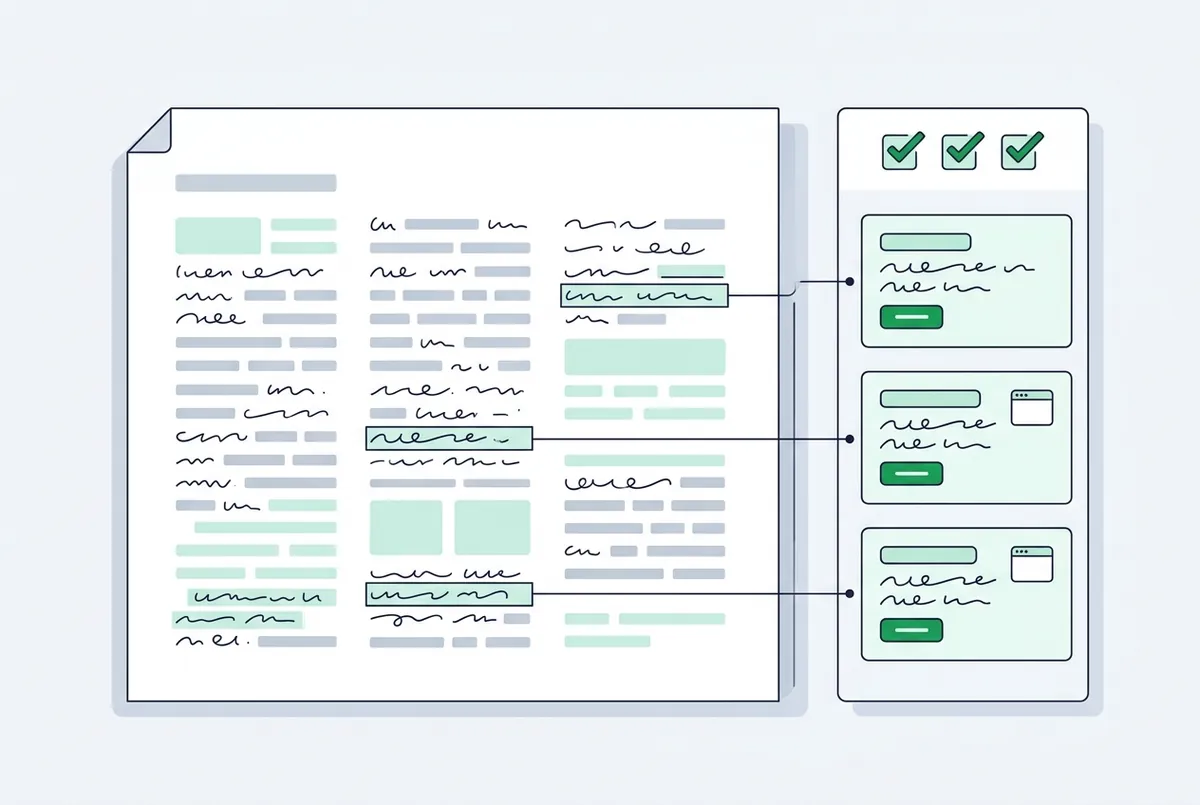
School matches are the closest thing Classroom has to a Turnitin repository, and they stay inside your school. Google's privacy page says student files are never saved to a global repository and teachers in other domains cannot see your assignments.
When an administrator turns the feature on, the admin setup guide has them create a shared drive named Originality corpus that automatically collects new submissions for future scans. Your work is copied there only when school matches are on for the domain, originality reports are on for the assignment and the file type is supported.
That matters for drafts. A rough draft submitted to one assignment can match your own final version later if both went through a school-matches assignment, so keep a record of which file you submitted where.
Turnitin's Google Classroom add-on
Turnitin made its full product available inside Classroom in 2026. Its May 12, 2026 announcement says the add-on brings Turnitin Feedback Studio into Google Classroom, with integrity checks, feedback, grading and automatic grade passback.
Two licenses gate the AI score. Schools need Google Workspace for Education Plus to use Classroom add-ons, and instructors need a Turnitin Originality license for AI writing indication. IT Brief also reports a new Turnitin Clarity writing assignment that records the drafting process for teachers to review; Turnitin notes Clarity requires a separate license.
Turnitin used the launch to publish its own numbers. Between October 2025 and February 2026, an average of 14.8% of English submissions to its latest detector had 80% or more AI-generated writing, up from 3.3% in mid-2023.
If your class uses the add-on, Turnitin's standard rules apply. Its AI writing FAQ requires at least 300 words of long-form prose for a score and states that the AI indicator is not visible to students, although instructors can download the report as a PDF and share it.
What school and university guidance says about AI flags
Classroom is a K-12 platform first, and state guidance there is cautious. The Center for Democracy and Technology's review of state AI guidance reports that West Virginia's Department of Education recommends teachers not use AI content detectors due to reliability concerns.
The same review quotes North Carolina's guidance warning that detectors "often create false positives, penalizing non-native speakers." That echoes the Stanford study by Liang and colleagues, which found GPT detectors consistently misclassified non-native English writing as AI-generated.
Teacher use is still rising. K-12 Dive reported CDT survey findings that 68% of teachers used AI detection tools in 2023-24, while student discipline tied to generative AI rose from 48% to 64%.
Universities have pushed back too. Vanderbilt University disabled Turnitin's AI detector in August 2023, noting that a 1% false positive rate across the 75,000 papers it submitted in 2022 could have mislabeled around 750. The University of Greenwich opted out in March 2023, calling AI detection an unproven tool.
How to protect your work in Google Classroom
- Run your own originality report before turning in. You get 3 runs per assignment when your teacher enables reports, and your teacher cannot see them.
- Fix every flagged passage by quoting or citing it, since the report separates cited and uncited matches.
- Save your final self-check as a PDF using the print option Google provides, so you have a dated copy.
- Keep documents under 2MB so the report can run at all.
- Draft in a single document from outline to final, so your editing history stays in one place.
- Ask your teacher whether the class uses the Turnitin add-on. If an AI flag comes up, request the downloadable AI report and your school's written AI policy.